.svg)
Top 5 AI Agents for Small Businesses In 2026

If you're a small business owner handling a bunch of repetitive tasks, you need an AI agent.
An AI agent for small business is basically a digital employee that works 24/7, talks to your customers across every channel (Instagram, WhatsApp, your website, wherever), answers questions, books appointments, tracks orders, and escalates the complicated stuff to your human team.
Think of it like this: your best customer service rep, but they never sleep, never take lunch breaks, and never call in sick.
The difference between old-school chatbots and modern AI agents is that chatbots follow scripts while AI agents understand what your customer wants and figure out how to help them, even if they ask the question in a weird way.
For instance, if someone says "yo my order is MIA", an AI agent knows they're asking about order tracking. A traditional chatbot? It'll probably say "I don't understand" and frustrate your customer.
Why Small Businesses Need AI Agents in 2026
Here's the thing most people won't tell you.
AI agents aren't a luxury anymore.
Your competitors are already using them. And if you're not, you're losing customers to businesses that reply faster, stay open longer, and handle more volume.
Let me put it in numbers for you:
- 80% of routine inquiries can be automated (that's everything from "where's my order" to "do you have this in stock")
- 90% higher conversion rates when you respond within 5 minutes vs 1 hour
- 30-60% reduction in support workload for teams using AI agents
- 24/7 availability without paying someone to work night shifts
But here's what I really care about: getting your time back.
A business owner I knew used to spend 15-20 hours a week on customer messages. Now? Maybe 3-4 hours on the difficult stuff. The rest is handled automatically.
That's 15 hours she can spend growing her business instead of repeating herself.
How We Tested These AI Agents
I set up accounts, ran conversations, connected business tools, and tested how each platform handled the stuff small businesses deal with.
Here's what I looked for:
- Setup time - Can you get this running in under an hour or does it need an AI Agent Developer?
- Channels - Does it work on WhatsApp, Instagram, Messenger, and your website?
- Actual automation - Can it DO things (track orders, book appointments) or just talk?
- Pricing - Is it affordable for a small business or priced for enterprise?
- Handoff to humans - What happens when the AI can't solve something?
- Real results - Do actual businesses see improvements?
I tested eight platforms. These are the top five that actually delivered.
Top 5 AI Agents for Small Businesses in 2026
1. Heyy
Best for: Businesses that want multi-channel automation with actual conversation quality
Pricing: Free. Hobby $49/month. Pro $149/month. Ultra $499/month.
Channels: WhatsApp, Instagram, Messenger, Website chat, Email
Alright, let me be straight with you.
Heyy is what I'd use if I was running my own business today.
Why? Because it nails the thing most AI agents struggle with: feeling natural across every channel your customers actually use.
Your customers aren't just on your website. They're sliding into your Instagram DMs at 2 AM. They're messaging you on WhatsApp. They're hitting you up on Facebook Messenger. Heyy handles all of that from one place.
The setup is genuinely fast. You create your "AI Employee" (that's what Heyy calls it), upload your business info or connect your website, add your channels, and you're live. Under an hour, like they promise.
What it does well:
- Actually works across WhatsApp, Instagram, Messenger, and your website (most tools claim this but struggle)
- Handles complex multi-step conversations without getting confused
- Can connect to your CRM, e-commerce platform, booking system, whatever you use
- Automatically escalates to humans when needed with full context
- Built for businesses that want to automate without losing the human touch
Where it falls short:
- No public pricing (you have to request a demo)
- May be overkill if you only get 10 messages a week
- Newer platform (not as many public reviews as established players)
Bottom line: If you're serious about automating customer conversations across every channel and you want something that actually feels smart, Heyy is the platform to look at. The fact that you can be set up in 15 minutes and it handles WhatsApp + Instagram (which most tools don't) makes it stand out.
2. Tidio Lyro
Best for: Small businesses that want something simple and affordable
Pricing: Free plan available; paid plans start at $29/month
Channels: Website chat, Email, Facebook Messenger
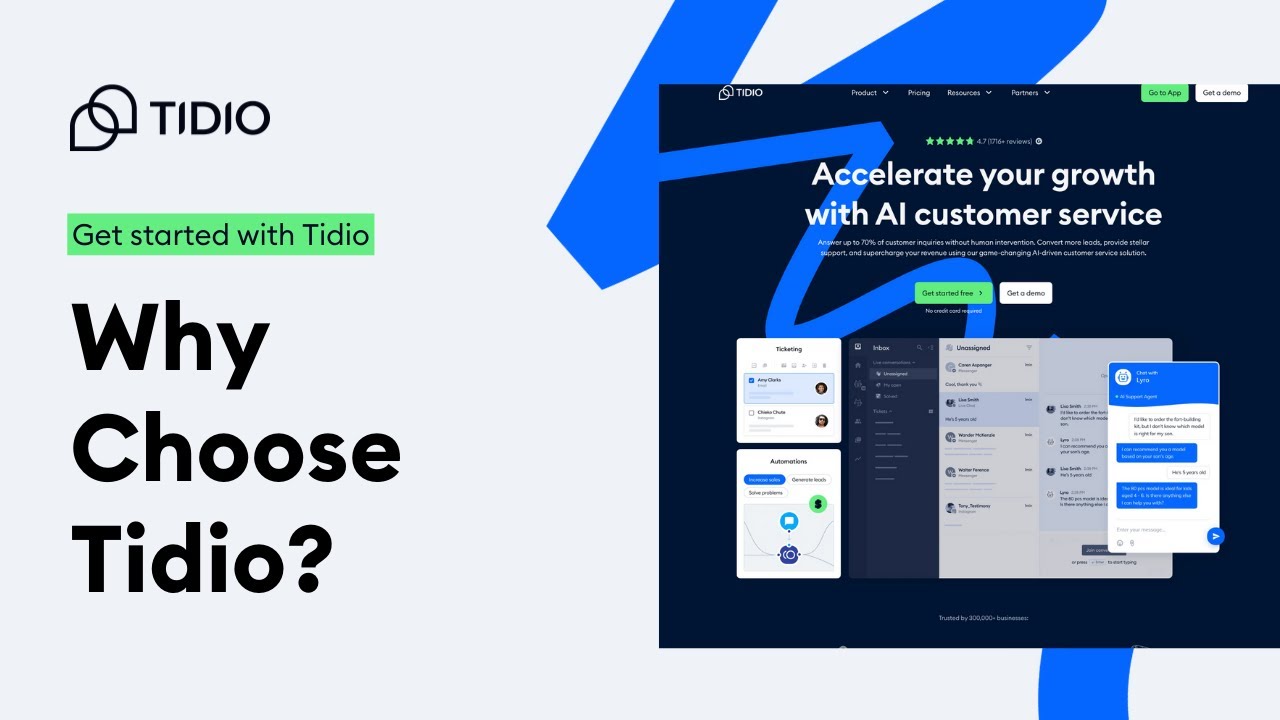
Tidio Lyro is like the friendly intern who learns fast and doesn't need much training.
You feed it your help center articles, give it access to your FAQs, and boom, it starts answering customer questions with surprising accuracy.
I like Tidio for businesses just getting started with AI. The interface is clean, setup takes about 20 minutes, and you're not paying enterprise prices.
What it does well:
- Extremely easy to set up (seriously, if you can use Gmail, you can use Tidio)
- Affordable pricing that won't wreck a small business budget
- Handles common questions really well
- Great for e-commerce stores using Shopify or WordPress
Where it falls short:
- Not built for complex workflows
- Limited to a few channels (no WhatsApp or Instagram DMs)
- Can struggle with nuanced or multi-step requests
Bottom line: If you're a small team that needs basic automation fast and cheap, Tidio Lyro is a safe bet. Don't expect enterprise-level sophistication, but for straightforward customer support, it gets the job done.
3. Chatbase
Best for: Businesses that need AI to actually DO things (not just answer questions)
Pricing: Starts at $19/month
Channels: Website widget, Messenger, Instagram
Chatbase is what I recommend when people say "I need more than just a chatbot."
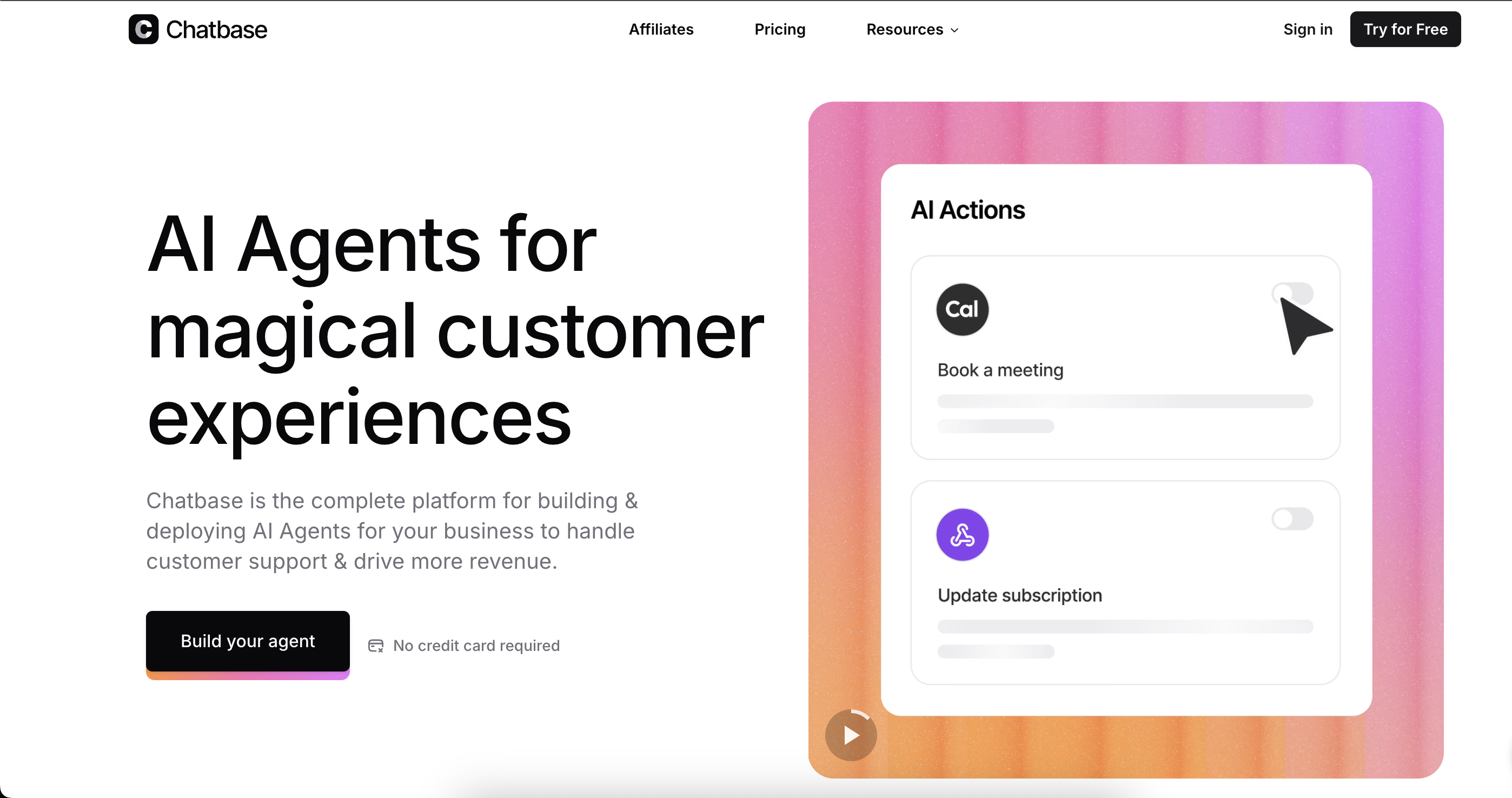
Chatbase can check your Stripe account for payment status, pull Shopify orders, update CRM entries, create support tickets, send Slack messages…you get the idea.
I tested it with a client who runs a SaaS product. Their AI agent now handles password resets, checks subscription status, and even processes refund requests. All automatically.
What it does well:
- "AI Actions" feature lets it connect to your business systems and actually complete tasks
- Works across multiple channels including Instagram DMs
- Quick deployment (you can be live in 30-45 minutes)
- Supports multiple AI models (OpenAI, Claude, etc.)
Where it falls short:
- No visual chatbot builder (you work mostly with text-based setup)
- Can get pricey as conversation volume scales
- Not ideal if you need heavy enterprise features
Bottom line: If you want your AI to DO stuff, not just talk, Chatbase is the tool for you. It's more powerful than Tidio but still accessible for small teams.
4. Lindy
Best for: Businesses that want one AI agent to handle multiple departments
Pricing: Free tier available; paid plans start at $39/month
Channels: Email, Slack, CRM, website, and 3,000+ integrations
Lindy is different.
It's a full AI workforce platform. You can build agents for support, sales, operations, admin tasks, basically anything.
I tested Lindy for a real estate agency. They built one agent to qualify leads, another to schedule property viewings, and a third to send follow-up emails. All working together.
The best part is that Lindy agents can talk to each other and coordinate. So if a lead books a viewing, the scheduling agent tells the follow-up agent to send a confirmation email automatically.
What it does well:
- Incredibly versatile (support, sales, operations, you name it)
- Works across tons of channels and integrates with almost everything
- No-code builder that's surprisingly powerful
- Can tie multiple agents together into workflows
Where it falls short:
- Learning curve is higher than simpler tools
- Overkill if you only need basic customer support
- Requires some planning to set up properly
Bottom line: If you're looking for an AI employee that can grow with your business and handle more than just customer support, Lindy is worth the learning curve.
5. Freshdesk Freddy AI
Best for: Small businesses already using Freshdesk who want to add AI
Pricing: Free tier available; AI features start at $15/month per agent
Channels: Email, chat, phone, social media
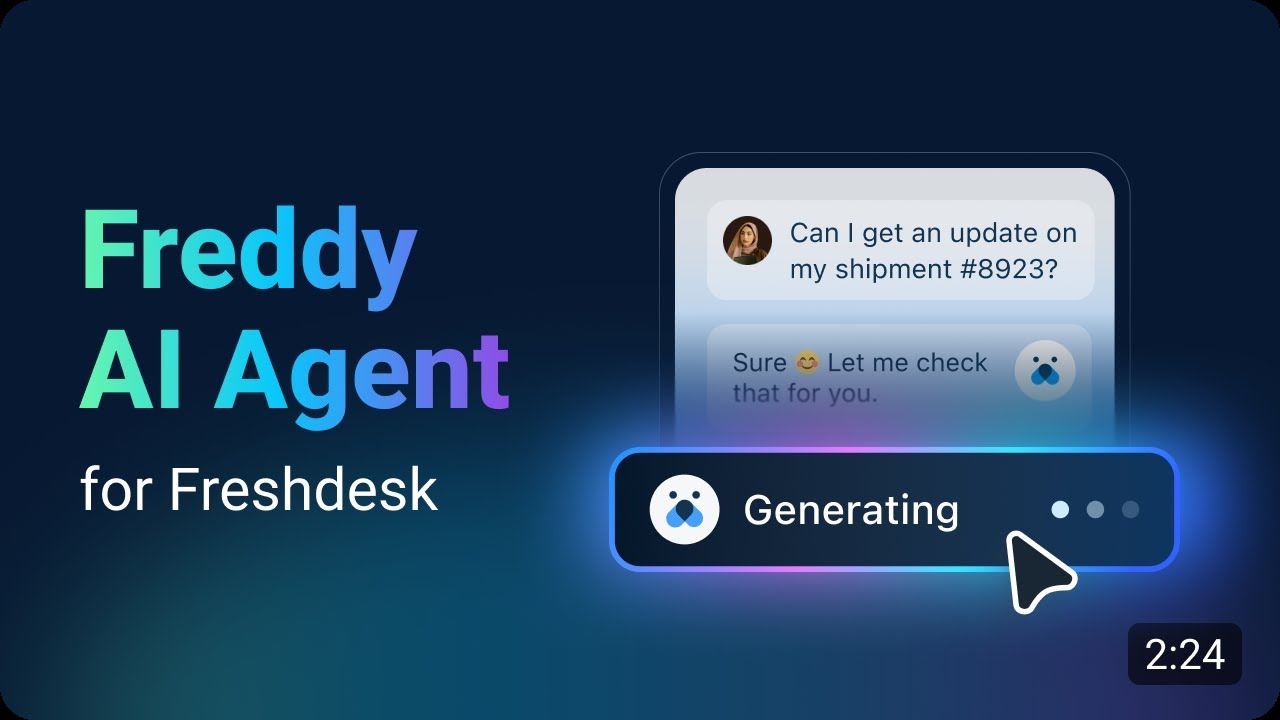
If you're already using Freshdesk, adding Freddy AI is a no-brainer.
It's baked right into the platform you're already using, so there's no additional learning curve, no new tool to manage, and it's surprisingly affordable (even free for basic stuff up to 10 agents).
Freddy handles routine inquiries, suggests replies to your human agents, and can even predict which tickets are urgent.
What it does well:
- Seamless integration if you're already a Freshdesk customer
- Free tier makes it accessible for really small teams
- Multi-channel support across email, chat, social
- Good for teams that need a simple automation layer
Where it falls short:
- Really only makes sense if you use Freshdesk already
- More basic than standalone AI agent platforms
- Limited to support use cases (not great for sales or operations)
Bottom line: If you're locked into Freshdesk, turn on Freddy AI. It's essentially free automation. But if you're starting from scratch, there are better options.
Now Let’s Handle Some Of Your Questions.
Can AI agents replace my support team?
No. And honestly, you shouldn't want them to.
AI agents are incredible at handling the repetitive stuff, FAQs, order tracking, appointment booking, password resets. But they're not great at complex problem-solving, angry customers who need empathy, or situations that require human judgment.
Think of AI agents like this: they handle 70-80% of the easy stuff so your human team can focus on the 20-30% that needs your help.
How much do AI agents cost?
It depends on what you need.
Budget tier: $0-$30/month (Tidio, Freshdesk Freddy) These work if you're just starting out, have low message volume, or need basic FAQ automation.
Mid-tier: $30-$100/month (Chatbase, Lindy) This is where you get real automation power, multi-channel support, and integrations with your business tools.
Enterprise/Custom: $100+/month or custom pricing (Heyy, Intercom, others) For businesses that need sophisticated workflows, high message volume, or support across every channel. If your business eventually outgrows the simpler tools on this list and needs deeper automation across sales, support, and internal workflows, platforms like Salesforce Agent Builder are worth exploring. For most small businesses, though, that’s usually a later-stage move rather than a day-one need.
Here's my honest take: don't cheap out if automation is critical to your business. A $50/month tool that saves you 15 hours a week is insanely worth it.
Will my customers know they're talking to AI?
Depends on the tool and how you set it up.
Modern AI agents like Heyy, Chatbase, and Lindy can have extremely natural conversations. Most customers won't know they're talking to AI unless you tell them.
But here's the thing: transparency matters. Some businesses add a small note like "You're chatting with our AI assistant. Need a human? Just ask." Customers appreciate the honesty, and you can still deliver fast, helpful service.
How long does it take to set up an AI agent?
Realistically, I’d say:
- Tidio: 20-30 minutes to get basic automation running
- Chatbase: 30-45 minutes including integrations
- Lindy: 1-2 hours if you're building multi-step workflows
- Heyy: 15 minutes tops (they actually deliver on this)
- Freshdesk Freddy: 10-15 minutes if you already use Freshdesk
The setup time isn't the issue. The main work is training your AI agent on your business info, testing it with real conversations, and tweaking it as you learn what works.
Budget a few hours over the first week to get it dialed in.
What if the AI agent doesn't know the answer?
Every good AI agent platform has a handoff mechanism.
When the AI can't solve something, it escalates to a human with full conversation context. So your team isn't starting from scratch, they see everything the customer already said.
Tools like Heyy and Lindy are especially good at knowing when to bail and get a human involved.
Do I need technical skills to use AI agents?
No.
Every platform on this list is designed for non-technical users. You're not writing code. You're connecting tools, uploading info, and setting simple rules.
If you can use Shopify or set up a social media account, you can set up an AI agent.
Which channels should my AI agent cover?
Start with wherever your customers actually are.
For most small businesses, that's:
- Your website (live chat widget)
- Instagram DMs (if you're B2C or lifestyle)
- WhatsApp (especially for service businesses)
- Facebook Messenger (still big for local businesses)
Don't try to cover every channel on day one. Pick the 2-3 where you get the most messages and start there.
Heyy is the best option if you need all of these channels from the start. Most other tools are weaker on WhatsApp and Instagram.
My Final Opinion
AI agents aren't voodoo. They won't solve every problem. They won't turn a bad business into a good one.
But if you're a small business owner spending hours every week answering the same questions, chasing down orders, or booking appointments? An AI agent will change your life.
That's what this is really about.
If you're ready to try this, I'd start with Heyy. It's the most complete solution for small businesses that want multi-channel automation without any difficulty. You can sign up, upload your business info, connect your WhatsApp and Instagram, and be live in less than an hour.
Seriously. Under an hour. Yupp.
No credit card required. No difficult setup. Just you, an AI employee, and a whole lot of time about to come back to you.
More blog posts to read

Ready to Automate Support
Across Every Channel?
.svg)
.avif)