.svg)
The Complete Guide to Chatbot Development Frameworks

So you want a chatbot for your business, and you start researching chatbot development frameworks, but you're seeing terms like "Rasa," "Dialogflow," "NLU pipelines," "intent classification," and "open-source versus proprietary."
A simple question, "how do I build a chatbot?" has sent you down a rabbit hole of complex terminology with no clear answer. This guide is the bottom of that rabbit hole. We'll cover what chatbot development frameworks actually are, which ones are worth your attention, and how to make the right call without wasting months building something nobody ends up using.
Before we dive into the details, you should understand that most businesses don't actually need a chatbot development framework. Why? You might ask, because a working chatbot that solves an actual problem FULLY suffices. The companies that do need a framework usually know it already, because they've hit specific walls that off-the-shelf tools can't fix.
The global chatbot market is projected to reach $27.3 billion by 2030, growing at over 23% annually. Studies from IBM show chatbots can handle up to 80% of standard customer inquiries and save businesses up to 30% on customer support costs. That's a real opportunity, but only if you choose the right approach for your business.
We'll cover 12 frameworks and platforms, their real costs, their honest tradeoffs, and how to decide which path is right for your business. Before diving in, it helps to understand how AI chatbots actually differ from tools like ChatGPT because the distinction shapes everything that follows.
What Is a Chatbot Development Framework?
A chatbot development framework is the underlying infrastructure developers use to build, train, and deploy a conversational bot. Think of it as the difference between buying a ready-made house versus getting blueprints, materials, and tools to construct one from the ground up. Many teams, including those working within an AI development company, use these frameworks to create conversational systems tailored to specific business requirements
Frameworks hand you full control: how the bot understands language, how conversations flow, where data lives, and how everything connects to your systems. That control comes at a genuine cost in developer time, technical resources, and ongoing maintenance.
Most options fall into three categories:
- Developer Frameworks (e.g., Rasa, Botkit): code-heavy, maximum flexibility, built for engineers
- Cloud Platforms (e.g., Dialogflow, Amazon Lex): managed infrastructure, faster deployment, some vendor lock-in
- No-Code Platforms (e.g., ManyChat, Tidio): ready to configure from day one, no technical skill needed, limited customization relative to frameworks
Do You Actually Need a Framework?
This is the question most guides skip entirely, and it's the most important one to answer before anything else.
You DON'T need a framework if:
- Your bot handles FAQs, lead qualification, bookings, or order tracking
- You want something live within days, not months
- You have no dedicated developer team available
- You're solving a standard business problem, not building something genuinely bespoke
You DO need a framework if:
- You're in healthcare, finance, or government and need 100% data sovereignty
- Your bot requires deep integration with proprietary internal systems
- The use case is specialized enough that no ready-made solution can handle it
- You have engineers available to build, train, and maintain it long-term
Chatbot Framework Comparison Table
Here's how all 13 options stack up before diving into each one individually:
The 13 Frameworks and Platforms, Broken Down
1. Rasa: Maximum Control, Maximum Effort
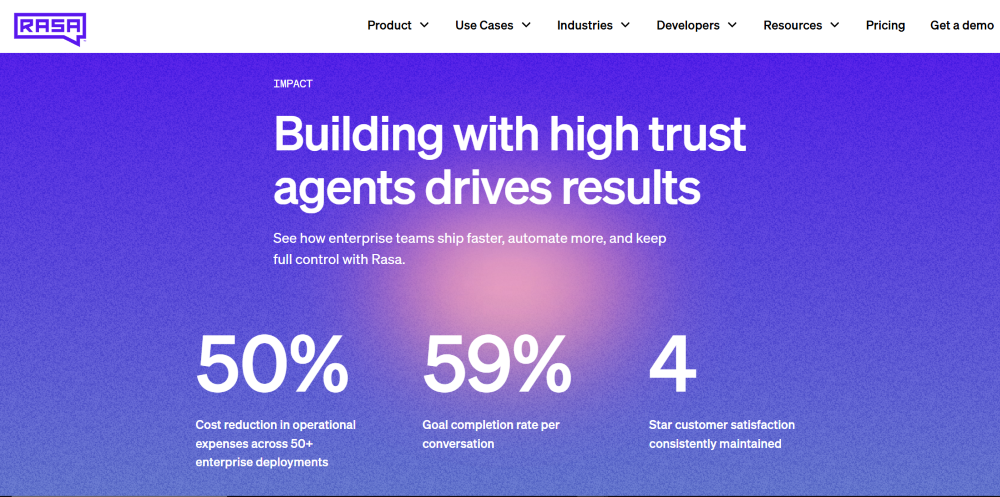
Rasa is the open-source option for teams that need complete control, how the bot understands language, where data lives, and how it learns over time. It's the gold standard for privacy-first deployments, which is exactly why it's the default choice in healthcare, finance, and government, where data cannot leave your own infrastructure under any circumstances.
Under the hood, Rasa has two main components: Rasa NLU handles understanding (converting what a user says into structured data), and Rasa Core handles dialogue management (deciding what the bot should do or say next). Together they give you a level of fine-grained control that no cloud platform can match. You're not dependent on any vendor's roadmap, price changes, or service terms, you own the entire stack.
That said, Rasa is genuinely demanding. You need Python developers who understand NLP concepts, a plan for hosting and monitoring, and ongoing engineering time to retrain the model as language patterns shift and new use cases emerge. Teams that underestimate this commitment usually find themselves with a half-finished bot six months in.
Pros: Full data ownership, no vendor lock-in, highly customizable, strong open-source community, on-premise deployment.
Cons: Steep learning curve, requires dedicated engineers, months to reach production readiness, you own hosting and all security updates.
Pricing: Rasa Open Source is free under Apache 2.0. And Rasa Pro (enterprise features, analytics, dedicated support) is custom-priced.
Best for: Building internal tools for large enterprises, automating complex workflows in regulated industries, or any use case where a third party holding your data is genuinely not an option.
2. Dialogflow CX: Google's Plug-and-Play Option
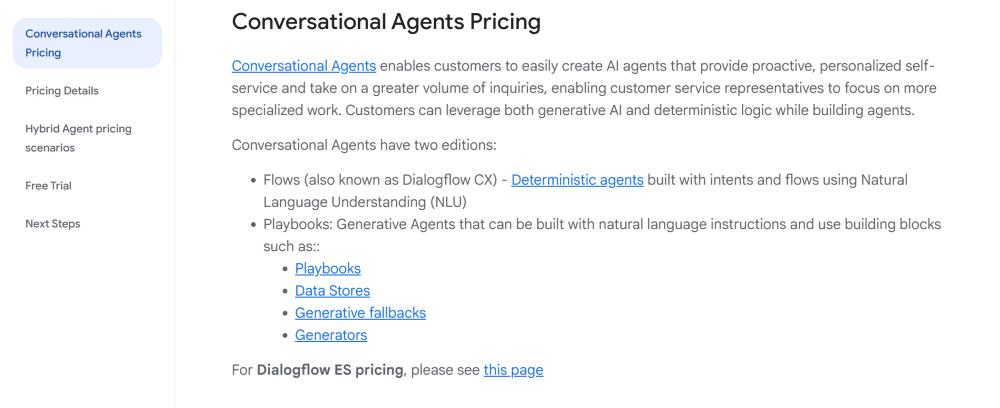
Dialogflow CX is Google's enterprise-grade conversational AI platform and the most widely deployed cloud-based chatbot framework in the world. It comes with a visual flow builder, pre-trained language models, and multi-language support across 20+ languages straight out of the box, which makes deployment significantly faster than anything you'd build from scratch.
What makes Dialogflow CX different from its predecessor (Dialogflow ES) is its state machine architecture. Instead of a flat list of intents, you design conversation flows as interconnected pages and flows, which means complex multi-step conversations: like booking a flight with layovers, changing seats, and selecting meals, can be modelled clearly and debugged easily. The visual builder makes this accessible even to team members who aren't developers.
The tradeoff that stops some businesses is data control. Every conversation goes through Google's cloud infrastructure, which is fine for most but a dealbreaker in regulated industries. And while the visual builder handles standard use cases well, deep customization requires familiarity with Google Cloud Platform, which has its own learning curve.
Pros: Fast deployment, strong NLU, automatic scaling, voice and text support, excellent multilingual coverage.
Cons: Data goes to Google's cloud, pricing escalates at high volumes, customization has ceilings, real vendor lock-in.
Pricing: Free tier available. Text requests from ~$0.007 each. Enterprise pricing available.
Best for: Businesses in the Google ecosystem building fast, multi-channel customer-facing bots.
3. Heyy.io: The No-Code Alternative
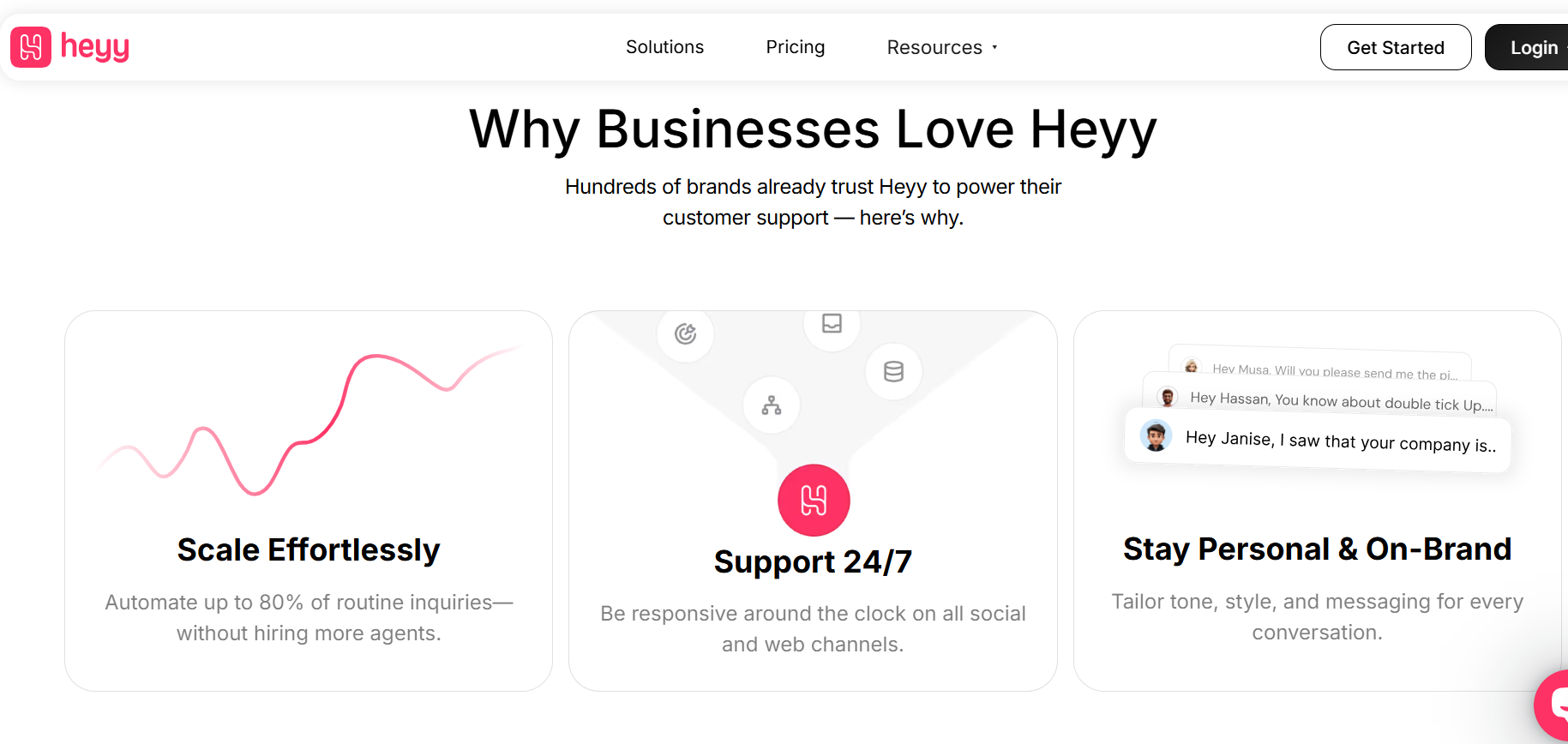
Heyy.io sits in a category most framework guides ignore entirely, and that's exactly the point. While Rasa and Dialogflow require months of development before a single real customer conversation happens, Heyy gives you the same outcome in about 15 minutes, with no code. So instead of building a generic chatbot, Heyy lets you create role-specific AI Employees, one trained for customer support, one for sales qualification, one for order tracking, each with its own knowledge base and tone of voice. They all run simultaneously across WhatsApp, Instagram DMs, Facebook Messenger, and your website from a single dashboard. That kind of setup would take a developer team several weeks to replicate from scratch in Rasa or Botpress.
What makes Heyy worth including in a frameworks conversation is the intelligence layer underneath. It isn't a simple rule-based bot hiding behind a friendly dashboard, so you upload your product catalog, FAQs, policies, and brand guidelines, and the AI Employees draw from that material to answer questions accurately and on-brand , no hallucinations, no responses outside your defined content. The cross-channel memory is also genuinely useful: if a customer messages you on Instagram on Monday and follows up on WhatsApp on Wednesday, Heyy already knows who they are and what the conversation was about. Most businesses trying to achieve this with a traditional framework end up building custom middleware to handle it. With Heyy, it's just how the platform works out of the box.
If your use case requires deeply specialized logic, on-premise data hosting for compliance reasons, custom API connections to proprietary internal systems, or conversation flows too complex for a visual builder, a framework like Rasa is still the right call. But for the majority of businesses asking "which framework should I use?", the real answer is that they don't need one at all. They need a working chatbot that handles support, qualifies leads, and operates across social channels this week, and Heyy is built specifically for that. Think of it less as a framework and more as what frameworks were always trying to get you to: a bot that actually works for your customers, without the months of development standing in the way.
Pros: LLM-powered intelligence trained on your own content, role-specific AI Employees, omnichannel from day one, and no developer needed to get started or maintain it.
Cons: Less customizable than open-source frameworks for specialized or compliance-heavy workflows. On-premise data hosting isn't available.
Pricing: Free plan available. Hobby $49/mo. Pro $149/mo. Ultra $499/mo.
Best For: When your business needs a working, intelligent chatbot handling real conversations across multiple channels, and you need it running this week, not in six months.
4. Chatbase: Train on Your Own Data, Deploy in Minutes
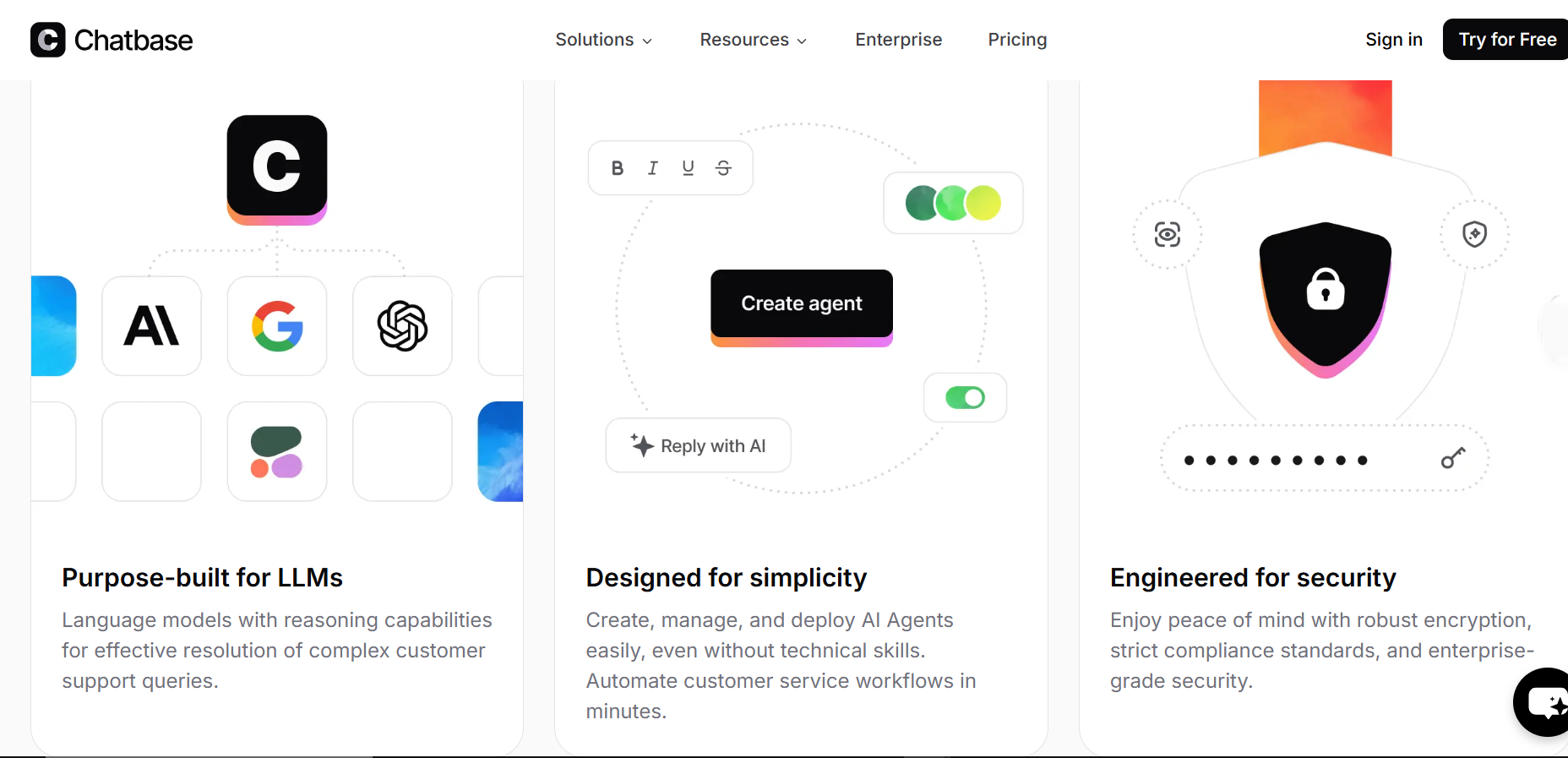
Chatbase takes a different approach from traditional frameworks entirely. Instead of building a bot from scratch, you upload your existing content: PDFs, help docs, website URLs, plain text, and Chatbase trains a GPT-4-powered bot on that material. The result is a chatbot that answers questions based exclusively on what you've given it, which means it stays on-topic and doesn't generate responses outside your knowledge base.
This model is genuinely powerful for support and FAQ use cases. If you have a comprehensive help center, product documentation, or a detailed FAQ page, Chatbase can turn that into a working support bot in under an hour without a single line of code. It deploys across your website, WhatsApp, Facebook Messenger, Instagram, and Slack from a single dashboard.
Chatbase is excellent at answering questions from a defined knowledge base, but it's not designed for complex multi-step workflows, CRM-integrated lead qualification, or deeply custom conversation logic. For those use cases, you'd need a more flexible platform or a proper framework. But for the majority of businesses that primarily need an intelligent FAQ bot available 24/7, Chatbase delivers results faster than anything else on this list.
Pros: Train on your own data in minutes, multi-channel deployment, no code needed, supports 95+ languages, clean and intuitive interface.
Cons: Credit-based pricing can become unpredictable at volume, steep jumps between plans, custom domain and white-label features cost extra on lower tiers.
Pricing: Free plan available. Hobby from $40/mo. Standard $150/mo. Pro $500/mo. Enterprise is custom and all plans include a 14-day free trial.
Best for: Businesses that want to deploy a smart FAQ or support chatbot trained on their own content without writing a single line of code.
5. Drift: Built for B2B Revenue, Not Support
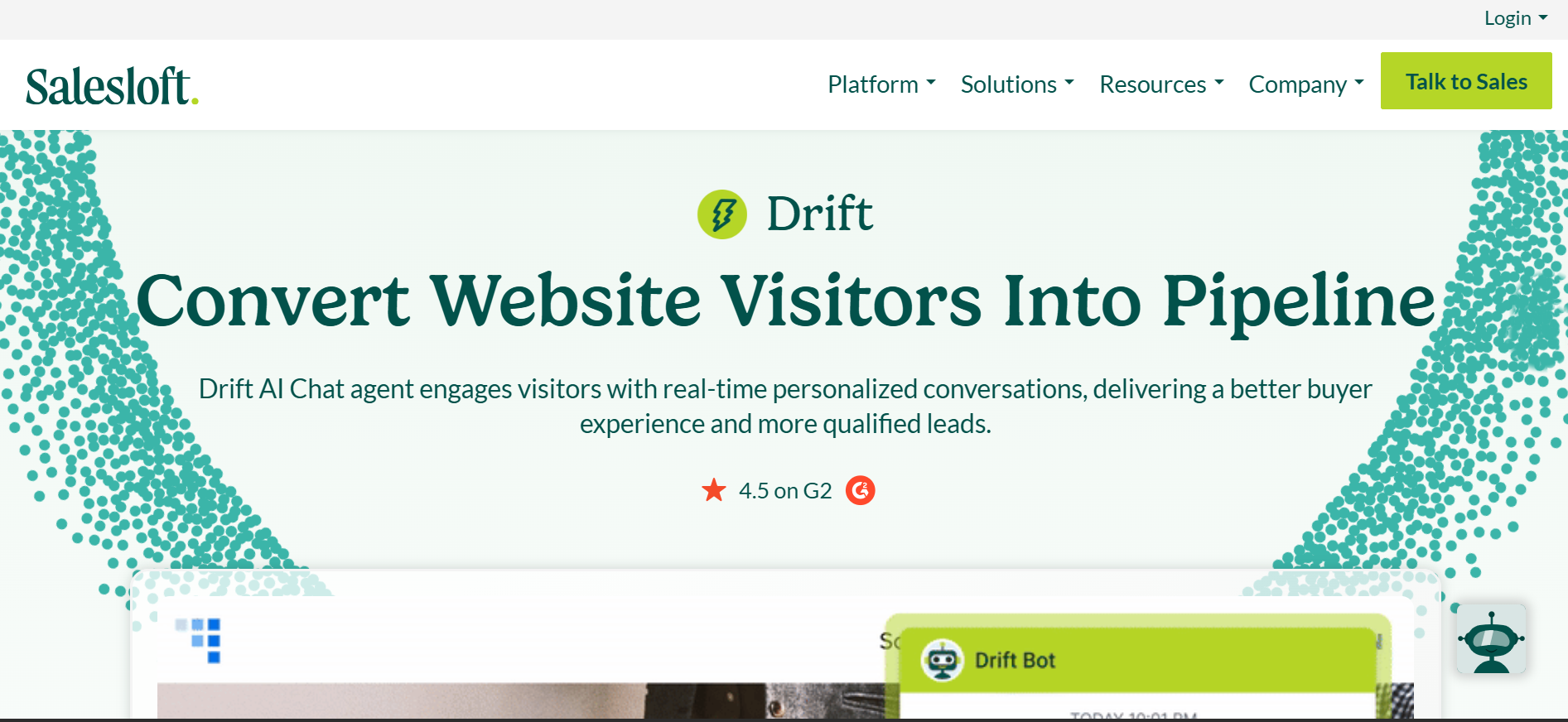
Drift pioneered the conversational marketing category and remains the most purpose-built platform for B2B sales teams that want chatbots doing more than answering questions. The goal with Drift is revenue: qualify high-intent visitors the moment they hit your website, route them to the right sales rep based on account data, and book meetings directly in the calendar without any human intervention needed.
What sets Drift apart technically is its account-based approach. The bot recognizes who's on your site using reverse IP lookup and firmographic data: company name, industry, size and tailors the conversation accordingly. A Fortune 500 company gets a different experience than a ten-person startup. For B2B SaaS teams running account-based marketing (ABM) strategies, this level of personalization is genuinely difficult to replicate with a generic chatbot tool.
But Drift is expensive, and the ROI math only works when a single closed deal justifies several months of platform cost. For businesses where that's true , high-ticket B2B products with long sales cycles, it's one of the best chatbot investments available. For everyone else, it's hard to justify against cheaper alternatives that do 80% of the same job.
Pros: Exceptional lead qualification and real-time routing, deep CRM and Salesforce integration, strong for ABM strategies, meeting scheduling built in.
Cons: Premium pricing puts it out of reach for most small businesses, annual contract required, setup takes longer than simpler platforms, primarily website-only.
Pricing: Advanced & Elite which are both custom pricing plans
Best for: B2B SaaS and enterprise sales teams using chatbots as a core part of their pipeline generation strategy.
6. Botkit: The Developer's Lightweight Toolkit
Botkit is a free, open-source JavaScript toolkit for building chatbots across Slack, Facebook Messenger, Microsoft Teams, Twilio, and web chat. Where Rasa is a complete framework requiring Python and machine learning knowledge, Botkit is deliberately lightweight: a set of clean, readable functions that let JavaScript developers build conversational logic without learning an entirely new technology stack.
The way Botkit works is intuitive for developers: you define what the bot hears using hears(), what it asks using ask(), and how it responds using reply(). Conversations are built as sequences of these interactions, which mirrors how you'd naturally think about a conversation. This simplicity makes Botkit one of the faster options for developers who already know JavaScript and just need to wire up bot behavior without reading through extensive documentation first.
One thing worth stating clearly: Botkit is part of the Microsoft Bot Framework ecosystem, which reached end-of-active-support in December 2025. The code is open-source and still functional, thousands of bots run on it, but new feature development has wound down. For teams wanting a modern, actively maintained alternative with similarities, Botpress offers a comparable developer experience with active development and LLM support added.
Pros: Completely free, clean and developer-friendly syntax, supports Slack, Teams, Facebook Messenger, Twilio and web chat, large community of plugins and extensions.
Cons: Requires JavaScript knowledge, no no-code visual builder, active development has wound down, newer frameworks offer more modern LLM integration.
Pricing: Free version available and other pricing is available here.
Best for: JavaScript developers building custom bots for Slack, Teams, or Messenger who want a lightweight, code-first approach without vendor lock-in.
7. MobileMonkey: OmniChat Across Social and Web
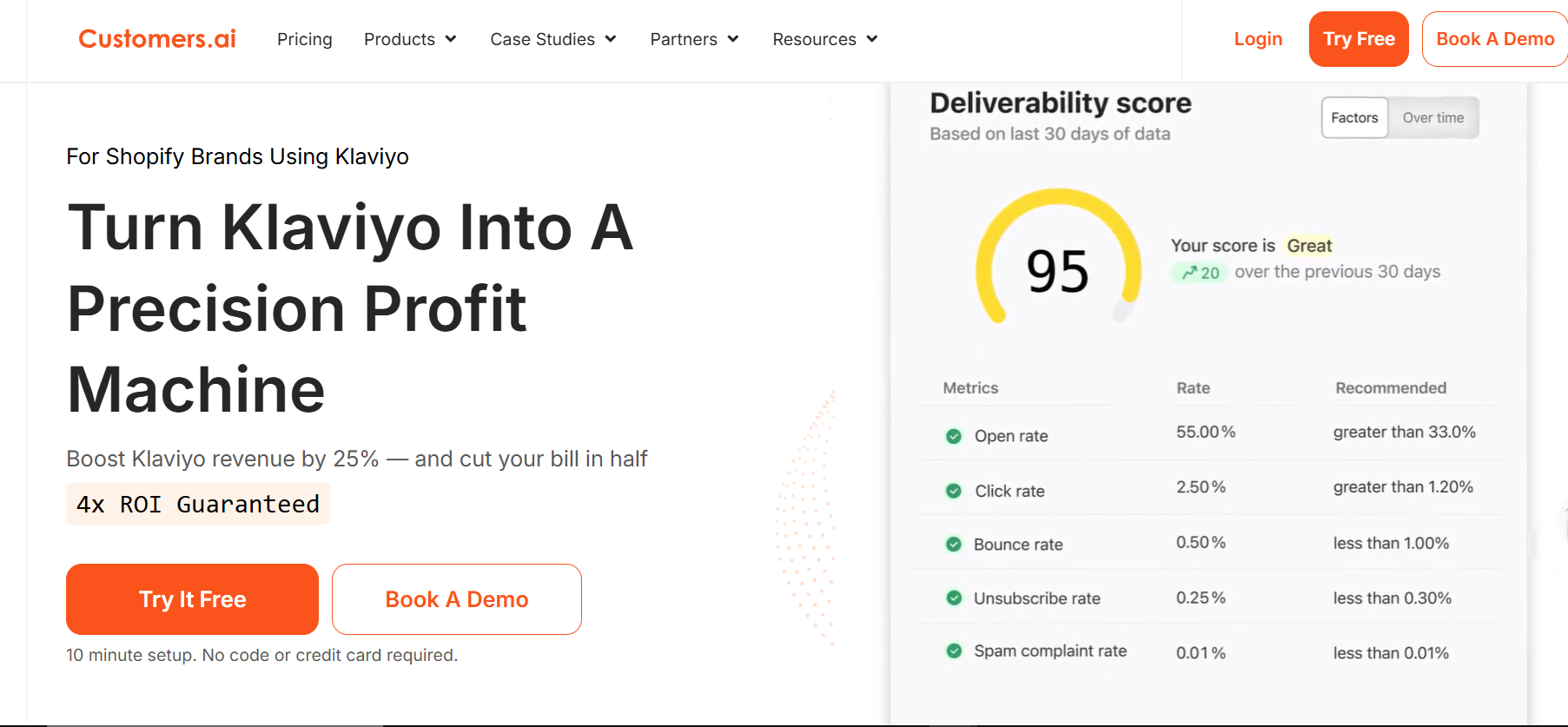
MobileMonkey (now Customers.ai) is a multichannel chatbot platform built around the idea that you shouldn't have to build separate bots for Facebook Messenger, Instagram, web chat, and SMS. Its OmniChat technology lets you write a single chatbot flow that broadcasts to all connected channels simultaneously: one build, everywhere your customers are.
For marketers specifically, MobileMonkey has features that few other platforms offer out of the box: chat blasting (sending broadcast messages to everyone who's interacted with your bot, similar to an email broadcast), comment-to-DM automation (when someone comments on your Facebook post, the bot automatically sends them a private message), and drip sequences that nurture leads over time through messaging apps instead of email.
The context you need: MobileMonkey has been progressively merging into Customers.ai, its parent brand, which now focuses primarily on website visitor identification and ad retargeting. The chatbot product still works and has an active user base, but it's no longer the company's main development focus. Teams c
Pros: OmniChat across FB, Instagram, web and SMS from one flow, marketing-focused templates, easy drag-and-drop builder, chat drip campaigns included.
Cons: Active development has slowed as the company shifted focus to Customers.ai, lacks advanced AI features compared to newer platforms, limited customization for complex flows.
Best for: Social media marketers and DTC brands wanting a single chatbot flow running across Facebook, Instagram, and web chat without separate builds for each channel.
8. Wit.ai: Free NLU From Meta
Wit.ai is Meta's free, open-source NLU engine. It handles the understanding layer of a chatbot, converting what a user types or says into structured data: the intent behind the message and the specific entities mentioned. What it doesn't do is manage the full conversation. Wit.ai is the brain but not the body; you need custom code or a separate platform to handle dialogue management and deployment.
The way training works in Wit.ai is straightforward: you provide example utterances ("I want to book a table for two" → reserve_table intent, date entity, party_size entity) and the model learns to recognize variations on those patterns. It handles both text and voice input, which makes it one of the better free options for building voice-enabled applications or Messenger bots where nuanced language understanding matters.
The practical limitation is that Wit.ai is an NLU component, not a finished chatbot product. Developers use it as the language-understanding piece inside a larger system they build themselves. If you're not a developer, or if you want a complete chatbot solution rather than just the NLU layer, one of the no-code platforms further down this list is a more direct path to a working bot.
Pros: Completely free, easy intent training, strong voice support, fast setup, great for Facebook and Instagram bots.
Cons: NLU only, not a full framework, no built-in dialogue management, smaller community than Rasa.
Pricing: Free with no usage fees.
Best for: Developers building lightweight bots on Meta platforms who need a free NLU engine to pair with custom logic.
9. ManyChat: The Social Commerce Standard
ManyChat is the dominant no-code chatbot builder for Instagram, Facebook Messenger, and WhatsApp, and for good reason. It was designed specifically for marketers, not for developers or IT teams which means the features it ships with are the ones e-commerce and DTC brands actually need: abandoned cart sequences, comment-to-DM automation, keyword triggers, broadcast messages, and lead capture flows built visually with no code.
The platform's Flow Builder lets you map out full conversation sequences visually, see exactly what a user will experience at each step, and add conditions that branch the conversation based on what someone says or which segment they're in. For Instagram specifically, ManyChat's Story Reply automation and DM keyword triggers are some of the most powerful organic growth tools available to e-commerce brands right now.
The ceiling shows up when you need anything beyond social channel automation. ManyChat isn't built for complex customer service workflows, deep CRM integrations with multi-step logic, or website chat that needs to handle open-ended support conversations. For those use cases, you'd want a more fully-featured platform. But for social commerce automation specifically, nothing on this list comes close.
Pros: Zero coding required, purpose-built for social commerce, fast setup, excellent broadcast and drip automation, massive template library.
Cons: Limited AI flexibility, primarily social-channel focused, not suited for complex customer service or website-based support.
Pricing: Free tier available. Pro from $14/mo, scaling with contact count.
Best for: E-commerce and DTC brands running chatbot automation across social media.
10. Chatfuel: Fast Deployment for Social Channels
Chatfuel is one of the original no-code chatbot platforms, it's been around since 2015 and it's built its reputation on making chatbot deployment on Facebook Messenger and WhatsApp genuinely accessible to non-technical teams. The drag-and-drop flow builder is intuitive, the template library covers the most common use cases, and the built-in ChatGPT integration means the bot can handle open-ended questions without you pre-defining every possible response.
What Chatfuel does particularly well for WhatsApp is the combination of automated flows and human handoff. You can build sequences that qualify a lead through several questions, then seamlessly transfer the conversation to a human sales rep once the lead is warm, all inside WhatsApp without any CRM switching. The analytics dashboard gives you visibility into message open rates, click-through rates, and drop-off points so you can iterate on flow performance over time.
Where Chatfuel hits its limits is outside of social channels. It's not built for website chat, it doesn't have the depth of integration options that enterprise platforms offer, and the AI capabilities, while improved with ChatGPT integration are still more rule-based than truly intelligent. For businesses whose chatbot needs are primarily on Meta platforms, though, it's a well-tested and reliable choice.
Pros: Very fast setup, solid template library, built-in ChatGPT responses, strong analytics and user segmentation.
Cons: Limited to social channels, not built for website or complex support flows, fewer customization options than developer frameworks.
Pricing: Free trial available. Facebook, WhatsApp & Instagram plans are available here.
Best for: Small businesses wanting quick chatbot deployment on WhatsApp, Facebook Messenger, and Instagram.
11. Landbot: Conversational Lead Gen Without the Forms
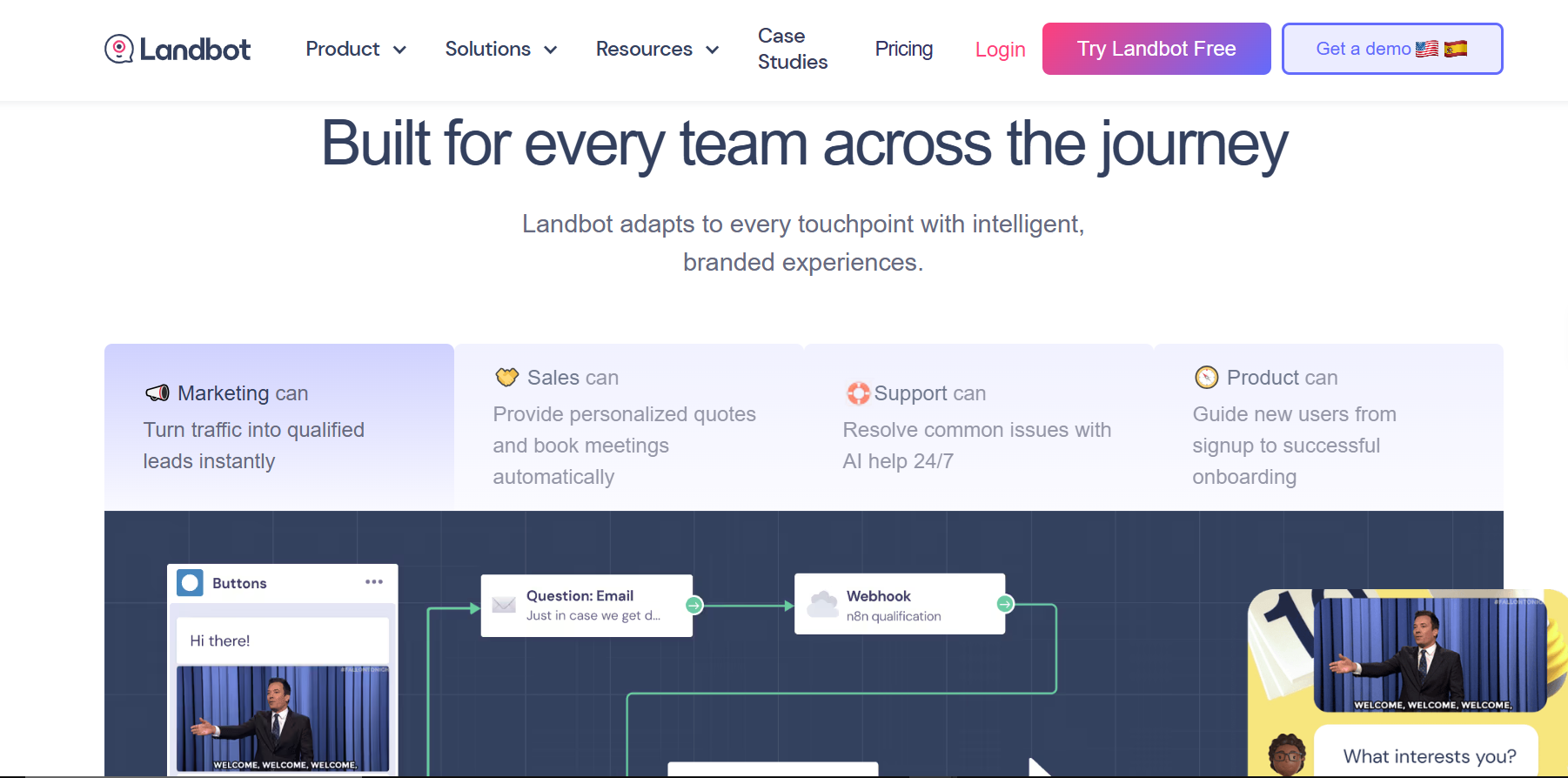
Landbot takes a very specific angle on the chatbot problem: replacing static lead capture forms with interactive conversations. The premise is simple, a contact form with 8 fields is intimidating and easy to abandon, but a friendly chat that asks the same questions one at a time feels natural and gets answered. Landbot is built entirely around that conversion insight.
You build the conversation flow visually using Landbot's no-code builder, and you can embed it directly on your website, use it as a standalone conversational landing page, or deploy it on WhatsApp. The platform includes native integrations with HubSpot, Salesforce, Slack, Zapier, and Google Sheets, so lead data flows directly into whatever CRM or spreadsheet you're using without manual export steps.
The limitation worth knowing: Landbot is a lead capture and qualification tool, not a full customer service chatbot platform. It's excellent at guiding a visitor through a structured series of questions; qualifying them, collecting contact details, routing them to the right team, but it's not designed for open-ended support conversations or ongoing customer relationships. Think of it as a smarter replacement for your inbound forms, not a full chatbot solution.
Pros: Conversion-focused design, no code required, integrates with HubSpot and Salesforce, clean visual builder, effective for lead qualification.
Cons: Narrower use case than a full chatbot platform, not suited for open-ended customer support conversations, higher pricing tier for advanced logic.
Pricing: Starter $40/mo, Pro $200/mo, Business $400/mo. Free Version is available as well.
Best for: Marketing and sales teams replacing forms and static landing pages with chatbot-style lead capture.
12. Tidio: Live Chat and AI Chatbot in One
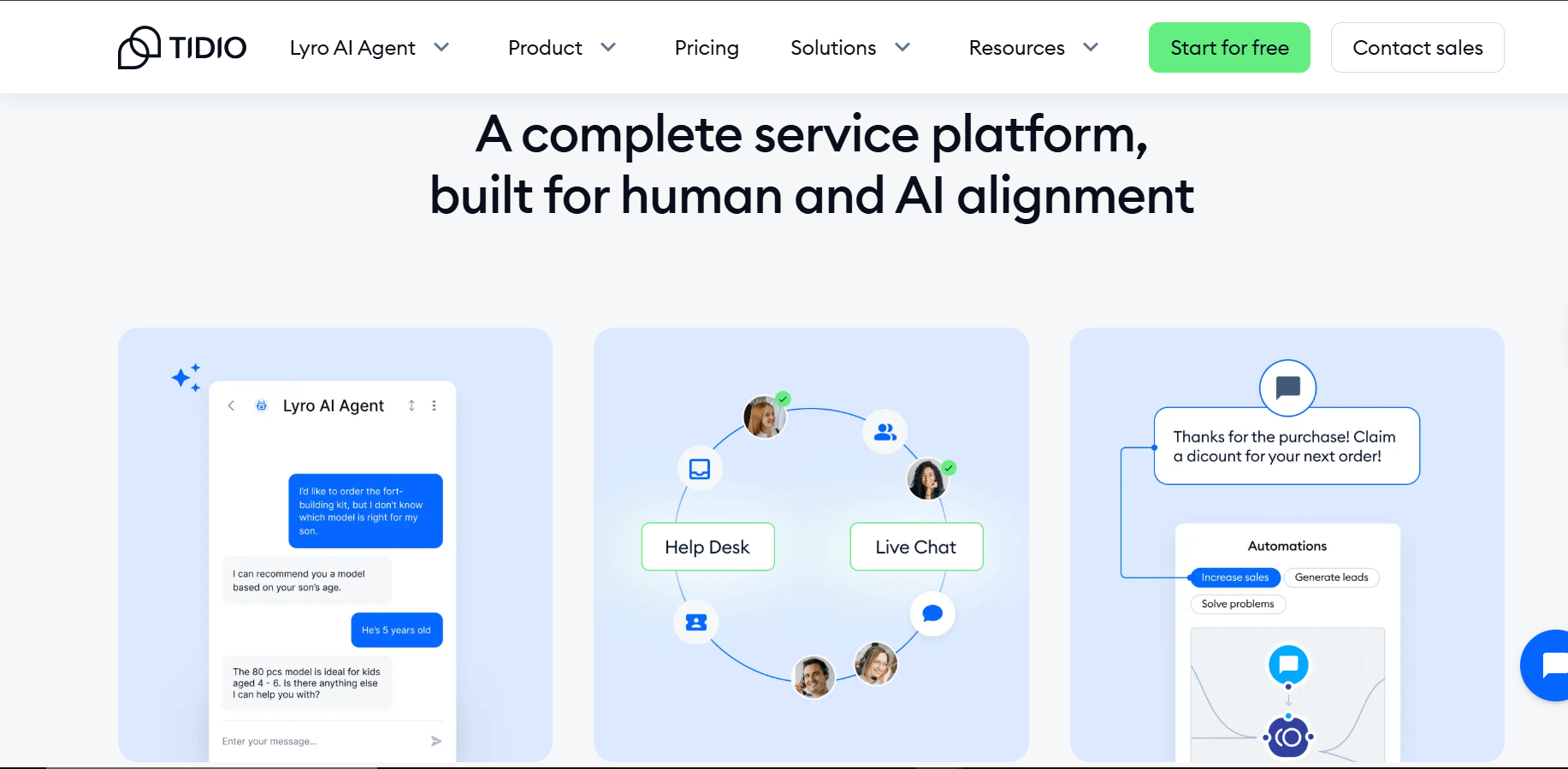
Tidio combines live chat and AI chatbot in a single platform, making it the most practical entry point for small businesses that want both human and automated customer interactions without managing two separate tools. It integrates out of the box with Shopify and WooCommerce, which is why it's particularly popular in e-commerce, customer support agents and chatbot flows share the same inbox, so nothing falls through the cracks.
Tidio's AI feature, Lyro, uses conversational AI to handle frequently asked questions automatically, freeing up human agents for more complex queries. Lyro learns from your support content and improves over time, and conversations can be transferred to a human agent mid-chat when the bot reaches the edge of what it can handle. The mobile app means support agents can respond on the go, which matters for small teams where one person is often covering multiple roles.
The honest limitation is that Tidio's AI capabilities are entry-level compared to enterprise platforms. Lyro handles common questions well but struggles with nuanced multi-step support scenarios. For businesses with complex support needs, it's a starting point, not a long-term solution. For smaller operations that need basic automation plus the ability to jump in personally when needed, it's genuinely one of the easier and more affordable setups on this list.
For a broader comparison of how Tidio and tools like it stack up, check out this breakdown of the best AI chatbots for small businesses that covers the relevant options in detail.
Pros: Live chat plus chatbot in one tool, fast Shopify integration, clean UI, easy setup, mobile app for agents.
Cons: AI capabilities are basic compared to enterprise platforms, costs scale with conversation volume and contact count.
Pricing: 7-Day free trial available. Starter from $29/mo. Growth from $59/mo.
Best for: Small e-commerce businesses wanting live chat and basic chatbot automation without technical setup.
13. SendPulse: One Dashboard for All Your Social Channels
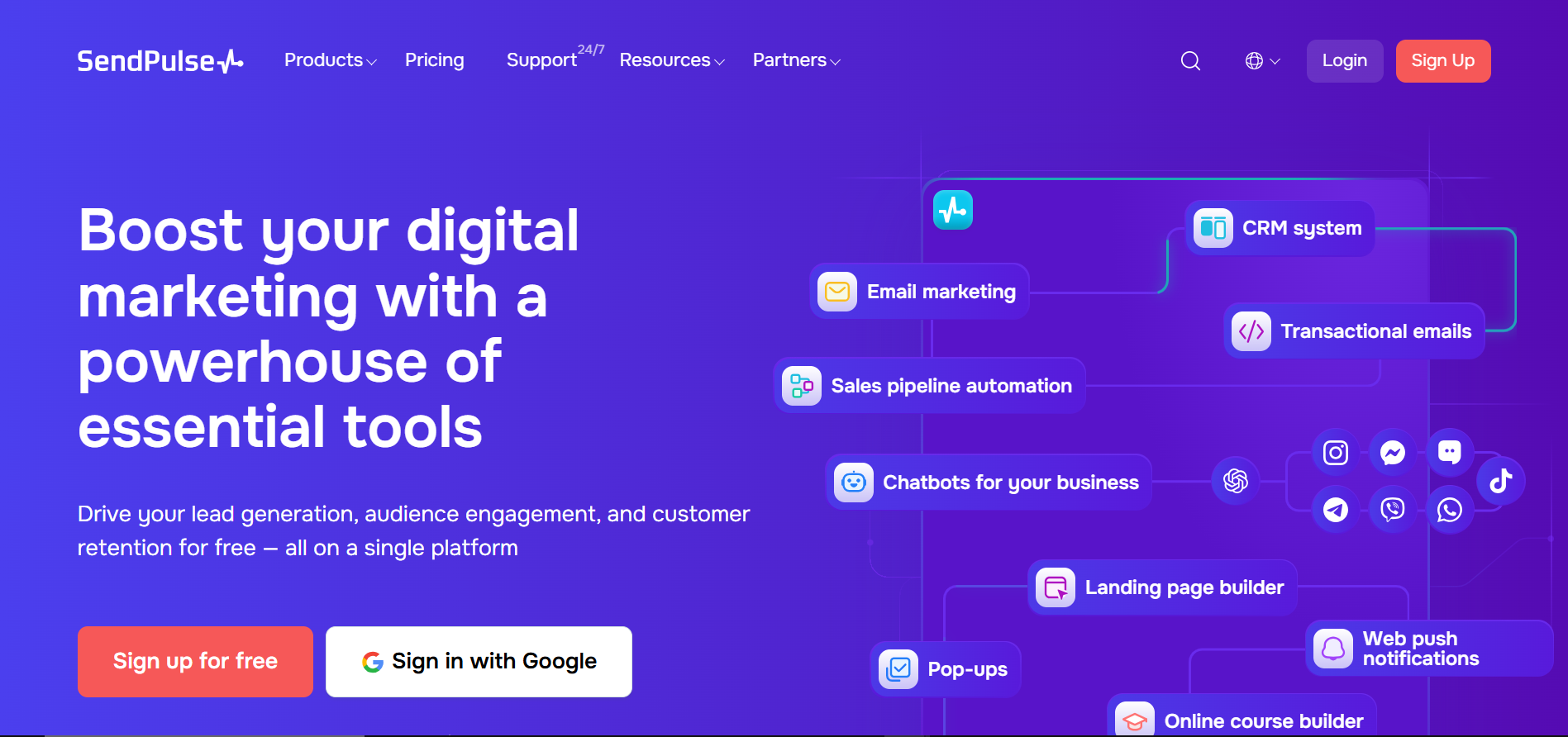
SendPulse is a multichannel marketing automation platform that pulls Instagram, WhatsApp, Facebook, and Telegram chatbot management into one dashboard. Most businesses running across multiple social channels end up with separate tools for each one, SendPulse's pitch is that you configure all of them in one place, with a shared CRM capturing contact data across every channel automatically.
The chatbot builder is drag-and-drop with a good library of pre-built blocks for common flows, welcome messages, FAQ sequences, lead qualification, payment links. The native ChatGPT integration means you can attach an AI response layer to any flow, giving the bot the ability to handle questions outside the pre-defined scripts. The built-in CRM stores conversation history, contact details, and tags across all channels, which makes follow-up and segmentation easier without exporting data to a separate tool.
It's a solid choice for SMBs that are active across multiple social platforms and need a unified inbox, but it's not the deepest tool in any single category. The chatbot builder is less sophisticated than ManyChat for social commerce, the website chat widget is functional but limited, and the AI features are less advanced than Chatbase or dedicated AI-first platforms. The value is in consolidation, having Instagram, WhatsApp, Facebook, and Telegram in one place, without paying separately for each.
Pros: True multi-channel coverage from one place, built-in CRM, ChatGPT integration, free tier available.
Cons: Chatbot features less sophisticated than dedicated platforms, interface can feel cluttered, limited website chat functionality.
Pricing: Free tier available. Paid plans from ~$9/mo depending on channels and contact volume.
Best for: SMBs managing customer conversations across multiple social platforms from a unified inbox.
LLM vs NLU: What's the Difference and Why It Matters
One thing that trips people up when researching chatbot options is the LLM vs NLU distinction. Understanding it changes how you evaluate every platform on this list.
NLU (Natural Language Understanding) is the traditional approach. You train the bot on examples:
- "I want to cancel my order" = intent: cancel_order
- "Where's my package?" = intent: track_order
Frameworks like Rasa, Dialogflow, and Botkit use NLU. You define the intents, provide training examples, and the bot learns to recognize variations. It's predictable. You control exactly what the bot says because you wrote the logic behind every response.
LLM (Large Language Model) is the newer approach. Instead of pre-defining every possible intent, the bot uses a massive model like GPT-4, Claude, or Gemini trained on enormous amounts of text. It generates responses dynamically based on context — which is exactly what makes it feel more natural to talk to.
The difference in practice:
- NLU bots are predictable. You control exactly what they say because you wrote the responses.
- LLM bots are flexible. They handle questions you didn't anticipate, but they can also occasionally say things you didn't intend.
Most businesses today are using hybrid approaches, and this is where the LLM vs NLU decision becomes practical rather than theoretical. NLU for structured workflows like booking a meeting or processing a return. LLMs for open-ended questions like "tell me about your refund policy" or "what's the best product for my situation."
Think of it this way: if you need a conversation to feel human and handle the unpredictable ways people express themselves, Generative AI for business use cases is your best bet, it's flexible and handles variations naturally. But if you need 100% controlled, predictable answers following strict logic: compliance scripts, payment confirmations, security protocols, traditional NLU still wins. The choice really comes down to the type of task and how much tolerance you have for the occasional unexpected response. This distinction also explains why AI chatbots and ChatGPT aren't the same. While they are built on the same underlying technology, they are applied in fundamentally different ways.
When to Skip Frameworks Entirely
If your goal is answering FAQs, qualifying leads, booking appointments, or handling order tracking, a great chatbot platform would do wonders for your business and you can skip the stress of building an entire framework, especially in this instance when it's not needed.
Platforms like Heyy.io, Intercom, and Drift are pre-built. You just have to configure behavior through a dashboard instead of writing code. They handle hosting, scaling, integrations, and updates so that you can focus on what the bot should do, not how to build it.
You can start by looking into the top chatbot development platforms to see what’s out there. However, if you're running a smaller team and don't have developers on hand, it’s usually better to go with an AI chatbot built for small businesses, these are much easier to get up and running on your own.
AI Model Comparison: Which One Powers Your Bot?
When you build with a framework or configure a platform, you're ultimately choosing a specific AI model to handle language generation. For teams exploring Generative AI for business applications, this is one of the most consequential decisions in the whole process, different models have meaningfully different cost structures, performance characteristics, and suitability for different tasks. Working with specialized generative ai development services can help teams navigate these tradeoffs early, ensuring the model selection aligns with both technical requirements and long-term budget constraints. Here's a practical AI model comparison of what's powering most bots today:
1. GPT-4 / GPT-4o (OpenAI): Best for natural, conversational responses. Expensive per message but handles nuance well.
The most widely integrated model across chatbot platforms and frameworks. GPT-4 excels at nuanced, natural conversation, it handles ambiguous questions well, maintains context over long exchanges, and adapts tone fluidly. The tradeoff is cost: it's one of the more expensive models per token, which matters at high conversation volumes. Most no-code platforms that advertise 'AI-powered' conversations are running GPT-4 or GPT-4o under the hood.
2. Claude (Anthropic): Similar to GPT-4 but often better at following instructions precisely and staying on-topic.
Claude tends to outperform GPT-4 on tasks requiring precise instruction-following, staying within defined guardrails, and generating longer, structured responses without drifting. For chatbots that need to stay strictly on-topic: customer support bots, onboarding assistants, or anything with compliance considerations, Claude's tendency to stick closely to the brief is a genuine advantage. It's available via API and supported in several developer frameworks.
3. Gemini (Google): Google's answer to GPT-4. Solid performance, tightly integrated with Google services.
Google's flagship model and the natural engine inside Dialogflow CX and other Google Cloud AI products. Gemini performs strongly on multilingual tasks and integrates natively with Google's ecosystem, which makes it a seamless choice for teams already using Google Workspace, Google Analytics, or other GCP services. Performance on general conversation tasks is comparable to GPT-4, with some advantages in real-time data retrieval through Google's grounding capabilities.
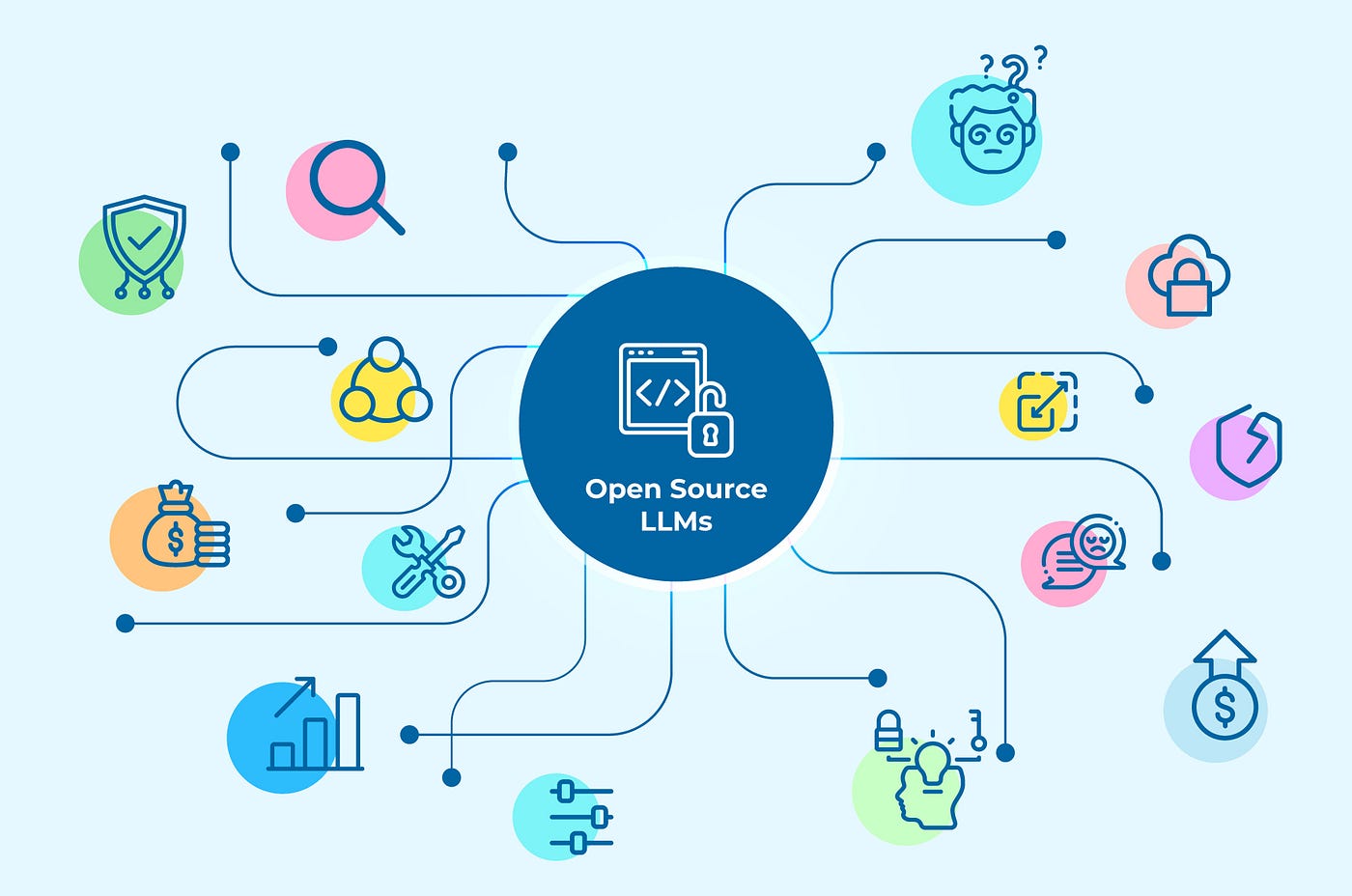
4. Open-source models (Llama, Mistral, etc.): Free to use, you host them yourself. Performance is getting close to commercial models but requires more technical setup.
Most frameworks now support multiple models, so you're not locked into one. But if you're using a cloud platform, you're typically stuck with whatever they've integrated. Running your own AI model comparison before committing helps you understand the cost and performance tradeoffs of each option.
ChoosingMeta's Llama series, Mistral, and similar open-weight models are free to use and can be self-hosted, which makes them the only viable option for deployments where data absolutely cannot leave your own infrastructure. Performance has closed the gap with commercial models significantly over the past two years, for many standard support or FAQ use cases, a well-configured Llama model is indistinguishable from GPT-3.5. The catch is that hosting and fine-tuning these models requires serious infrastructure and ML expertise.
A few practical notes on this AI model comparison before you decide:
- Most no-code platforms don't let you swap models, you use what they've integrated
- Developer frameworks like Rasa and Botkit let you plug in any model via API
- For regulated industries, open-source self-hosted models are often the only compliant path
- Cost per conversation varies dramatically by model, GPT-4 can run 10–20x more expensive than a smaller model for the same task
How to Pick the Right Path for Your Business
Forget the feature lists for a moment. Which option makes sense for you comes down to three things you already know: your people, your timeline, and how much risk you can carry around data.
Your People
Every developer framework on this list: Rasa, Microsoft Bot Framework, Amazon Lex, needs someone technical to build it and keep it running. Not just at launch, permanently. If that person doesn't exist in your organization today, the real cost of a framework is hiring them, onboarding them, and absorbing their salary as a permanent line item. For most growing businesses, that math doesn't add up.
If you have a technical team and the use case is genuinely complex, frameworks give you a level of control no platform can match. It's not that one is better than the other. It's that they're designed for different situations entirely.
Your Timeline
A no-code platform can have you live in a day or two. A production-ready framework bot is a 2–6 month project at minimum, assuming experienced developers are available from day one. Some problems genuinely require that investment. But if you're trying to solve a customer support or lead qualification problem this quarter, a framework will miss that window.
Your Data Requirements
If your industry requires customer data to stay entirely within your own infrastructure, healthcare, finance, legal, government, then cloud-based platforms become a compliance liability. Rasa and IBM Watson's private cloud are the serious options in this case. For most other businesses, cloud-based deployment is fine and significantly easier to manage.
The Cost That Catches Most Teams Off Guard
Open-source frameworks come labeled 'free,' which is accurate for the software license and misleading for everything else. Developer salaries typically run $80,000–$150,000 per year. Cloud hosting and infrastructure add $6,000–$60,000 annually. Security and compliance requirements (SOC 2, GDPR, HIPAA depending on your industry) can add another $70,000–$120,000 per year. A typical mid-sized deployment ends up at $150,000–$300,000 in year one. That's the real cost of free open-source
When You Don't Need a Framework at All
For most businesses, the ones handling support tickets, qualifying leads, booking appointments, or answering product questions, the goal was never a chatbot framework to begin with. It was a chatbot that works, quickly, without a development team managing it. That's a different category of tool entirely.
That's the gap Heyy.io is built to fill. Heyy isn't a framework you build on top of. It's a no-code AI chatbot platform that creates AI Employees: intelligent, customizable virtual agents that handle customer conversations across WhatsApp, Instagram, Messenger, and your website chat widget from a single unified inbox.
The practical difference: instead of months of development, you're configuring a working chatbot through a dashboard. Heyy handles hosting, scaling, integrations, and updates. You focus entirely on what the bot should do and how it should sound — not on the infrastructure keeping it alive.
What that looks like in practice:
- Multi-channel from day one: one conversation flow working across WhatsApp, Instagram DMs, Facebook Messenger, and your website
- No-code conversation builder: build sophisticated chatbot flows visually without writing a single line of code
- Smart lead qualification: the bot automatically categorizes and routes leads based on their responses
- CRM and e-commerce integrations: connect to existing tools via native integrations or API/webhooks
- AI Employees trained on your business: not a generic bot, but one that knows your FAQs, your products, and your brand voice
Heyy.io Pricing: Free plan forever (1 AI Employee, basic automation). Hobby $49/mo. Pro $149/mo, the most popular plan, 5 users and 2 AI Employees. Ultra $499/mo for larger teams. Check it out here. Enterprise pricing available on request.
For a detailed side-by-side of Heyy against other platforms across specific use cases, this comparison of the best chatbot development platforms is a useful next read.
The Bottom Line
Chatbot development frameworks are genuinely powerful tools, for the teams that actually need them. Rasa, Dialogflow, and the rest of this list are serious platforms that deliver real control. But control without the right team to use it costs more than it saves, and the framework becomes the obstacle rather than the solution.
Before committing to any build, three honest questions worth asking:
- Do I have developers who can build and maintain this long-term?
- Does my use case actually require the customization level a framework provides?
- Am I in an industry where data requirements make a platform non-viable?
If all three are yes, pick a framework and build. If not, see how Heyy.io gets you a working, intelligent chatbot without the overhead and start your free trial today.
Frequently Asked Questions
Q: Can I use ChatGPT itself as a chatbot framework?
A: Not exactly. Think of ChatGPT as the "brain" and a framework as the "body." ChatGPT is a Large Language Model (LLM), it provides the intelligence and the words. However, it doesn't have the "limbs" to connect to your database, the "ears" to listen on WhatsApp, or a "memory" to store customer history long-term.
To build a functional business bot, you use a framework (like Botkit or Rasa) to build the structure and then "plug in" the ChatGPT API to handle the actual talking.
Q: What is the real difference between Open-Source and Cloud-Based frameworks?
A: It mostly comes down to control vs. convenience:
- Open-Source (e.g., Rasa, Botkit): You own the code and host it on your own servers. This is the "gold standard" for data privacy because your customer conversations never leave your ecosystem. However, you are responsible for maintenance, updates, and server costs.
- Cloud-Based (e.g., Dialogflow, Azure Bot Service): The vendor (Google or Microsoft) handles all the technical heavy lifting. It’s much faster to deploy and scales automatically, but you have less control over the underlying data and you'll pay a "subscription" or "per-message" fee.
Q: How long does it actually take to build a bot with a framework?
A: Frameworks require coding, so they take significantly longer than "no-code" builders:
- Prototype (Proof of Concept): 2–4 weeks for a basic bot that can answer FAQs.
- Production-Ready Bot: 2–6 months. This includes rigorous testing, "grounding" the AI to prevent hallucinations, and integrating it with your CRM, Shopify, or payment gateways.
- The Shortcut: This long timeline is exactly why many SMEs choose hybrid platforms that offer the speed of no-code with the power of an API.
Q: Will my chatbot sound like a robot if I use a framework?
A: Only if you want it to! Because frameworks allow you to integrate LLMs like GPT-4, your bot can be programmed with a specific "Brand Voice." Whether you want it to sound like a professional consultant or a friendly neighborhood barista, the framework allows you to set those personality guidelines (System Prompts) that stay consistent across every chat.
Q: Do I need a full-time developer to manage a framework-based bot?
A: Generally, yes. Unlike simple website plug-ins, frameworks require someone who understands APIs, webhooks, and potentially Python or JavaScript. If you don't have an in-house tech team, you might find a managed "No-Code" platform like Heyy.io more cost-effective in the long run.
Q: NLU or LLM — which should my bot use?
It depends on what the bot needs to do. NLU is better for predictable, structured flows: bookings, payments, status checks, where controlled responses matter. LLMs are better for open-ended conversations where flexibility matters more than predictability. Most modern bots use both: NLU for the structured parts, LLMs for everything else.
More blog posts to read
.png)

Ready to Automate Support
Across Every Channel?
.svg)
.avif)